
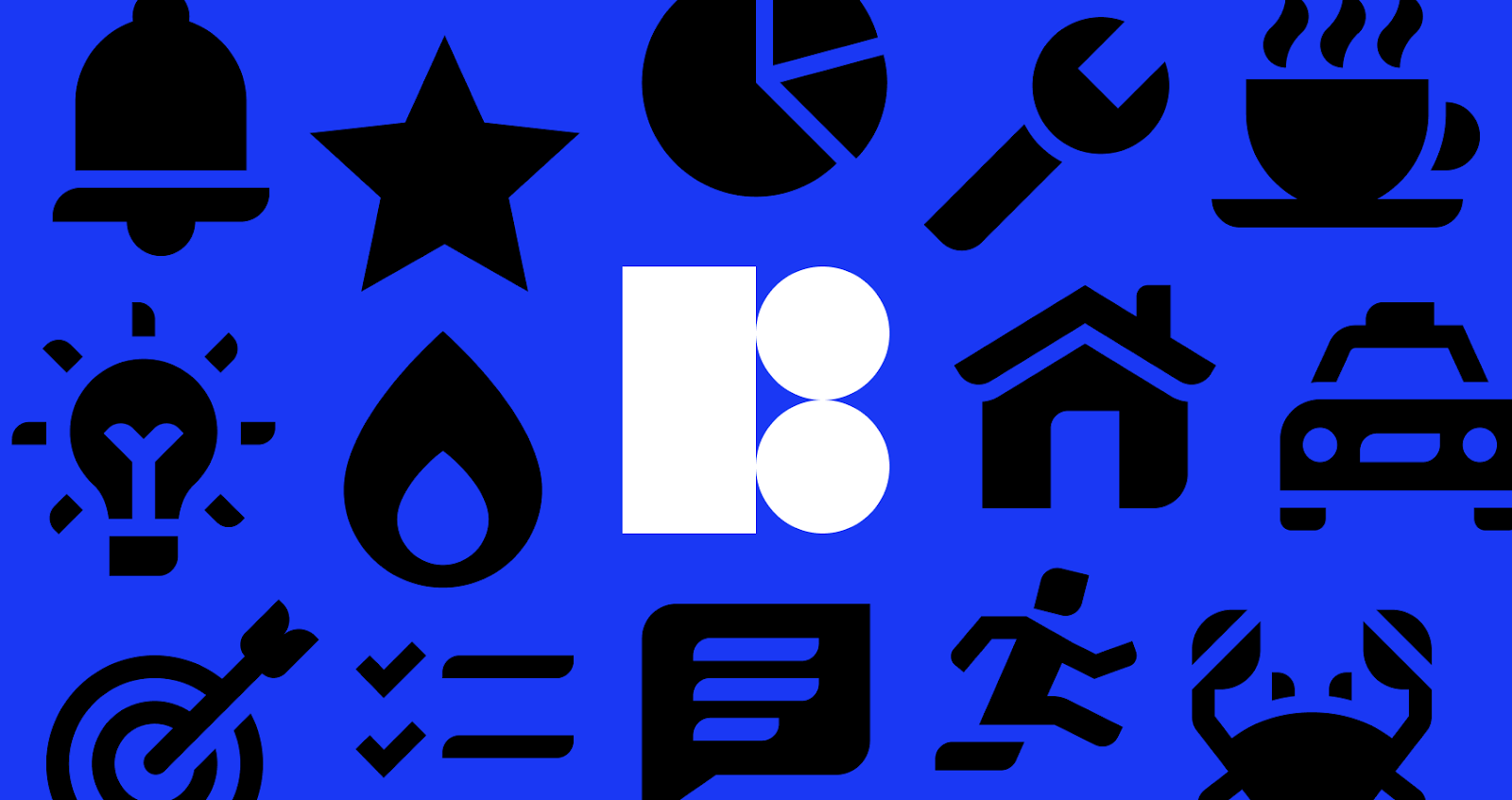
Visual consistency isn’t about finding one good icon. It is about finding five hundred icons that look like siblings. Mix a 2px stroke icon with a 3px stroke icon, or combine rounded corners with sharp edges, and visual trust evaporates.
Icons8 treats this problem differently. It isn’t a marketplace of disparate artists; it is a manufacturing plant for design assets. With over 1.4 million icons across 45+ styles, the platform answers a logistical nightmare: How do teams maintain a unified visual language without an in-house illustration department?
Standardizing UI Across Platform Ecosystems
Strict platform guidelines are a primary hurdle for product designers. An iOS app needs to feel native to Apple devices. A Windows desktop application demands a completely different vocabulary.
Take a UI designer porting a successful web app to a native iOS experience. The web version likely relies on generic outline icons. Copying those to mobile clashes with the operating system’s aesthetic.
With Icons8, the designer selects the “iOS 17” style category. This pack contains over 30,000 icons crafted to match Apple’s Human Interface Guidelines. These aren’t approximations. They adhere to specific glyph weights and corner radii. Using the Pichon Mac app-a dedicated offline tool-designers drag and drop assets directly into their workspace. Because the library is vast, finding niche metaphors like “face ID scan” or “wallet transaction” is easy, and they match the standard “home” and “settings” icons perfectly.
Project requirements often shift. If an Android version lands on the roadmap, redrawing assets isn’t necessary. Simply switch the library filter to “Material Outlined” or “Material Filled.” The metaphor remains the same (a gear for settings), but the visual execution adjusts to Google’s Material Design specs. This capability decouples the concept from the style, letting teams pivot between platforms without breaking visual consistency.
Streamlining Developer Handoffs
Friction between design and development often boils down to file formats. Developers want code-friendly formats like SVG or JSON, not heavy raster images.
Say a front-end developer is building a landing page with micro-interactions. The design calls for an animated “message sent” confirmation. Asking a motion designer to build this from scratch takes days. Instead, the developer filters the Icons8 library for “Animated.”
They find a suitable animation and have several implementation routes. For a React Native mobile app, they download the Lottie JSON file. This renders the animation as code, keeping the app bundle size small and the motion smooth at any resolution. For a standard marketing site, a GIF or After Effects project file works better for tweaking timing before export.
Static elements benefit from CDN embed links. Rather than downloading hundreds of SVGs and cluttering the project repository, the developer generates a direct link to the asset. If the design team decides icons should be blue instead of black, updating the hex code in the link parameters solves it. Alternatively, the design team can bulk-recolor the collection before generating links. The live site updates instantly. No code deploy required.
A Typical Workflow: The Solo Creator
Freelancers and solo founders wear too many hats. Their workflow moves rapidly between marketing, design, and documentation.
09:00 AM – The Pitch Deck
The creator opens a slide deck. It needs to look professional but friendly. They choose the “3D Fluency” style to add depth without the corporate stiffness. They download high-resolution PNGs (up to 1600px on the paid plan) to ensure the graphics look crisp even on a 4K projector.
11:30 AM – The Website Footer
Moving to the website builder, the footer needs population. This is usually a tedious hunt for brand logos. They access the “Logos” category, which is free to use. They grab standard social media icons for the company’s profiles. Using the in-browser editor, they recolor the Facebook and Twitter logos from their native brand colors to a neutral gray to match the site’s design, then generate the SVG code to paste directly into the HTML.
03:00 PM – The App Interface
Finally, working on the product interface, they need a “user profile” icon. They open the Figma plugin. Selecting the “Windows 11” style matches the desktop app’s aesthetic. The standard “user” icon feels too generic. A quick search reveals a “user with gear” variant. It’s perfect, but the gear is on the wrong side. They click into the editor, use the “Subicon” feature to move the gear element, and drag it to the layout.
Comparative Landscape
To understand the value proposition, look at the alternatives.
Vs. Open Source Packs (Feather, Heroicons)
Open-source packs are excellent starting points. They are free and high quality. But they are finite. A pack might have 200 icons. As soon as you need a “commercial refrigerator” or “drone delivery” icon, you hit a wall. You are forced to draw it yourself or mix in a mismatched icon. Icons8 solves this volume problem with 10,000+ icons per style.
Vs. Marketplaces (Flaticon, Noun Project)
Marketplaces aggregate content from thousands of designers. Variety is infinite, but consistency is non-existent. A great “dog” icon might sit next to a “cat” icon with a different line weight and drawing style. Icons8 creates assets in-house. The “Office” icon in a specific pack always matches the “Home” icon because they share the same strict design guidelines.
Vs. In-House Design
Building a proprietary icon set offers the ultimate brand uniqueness. It also requires massive maintenance. Every new feature requires a designer to draw new assets. Icons8 acts as an outsourced, on-demand icon team for $13.25/month. That is significantly cheaper than a single hour of a senior designer’s time.
Limitations and When to Look Elsewhere
No library is perfect. Here are the constraints.
- Uniqueness: Popular styles (especially iOS and Material packs) look standard. If your brand identity relies on a completely unique, never-before-seen illustration style, you need to commission a custom artist.
- Vector Paywalls: The free plan is generous but limited to PNGs up to 100px. Professional design work usually requires vectors (SVG) for scalability. Unless you use specific free categories (Popular, Logos, Characters), scalable vectors sit behind the subscription.
- Attribution: The free tier requires a link back to Icons8. For commercial landing pages or mobile apps where footer links are undesirable, the paid plan is effectively mandatory.
Practical Tips for Power Users
Get more out of the library with these workflow adjustments:
- Use Collections for Bulk Operations: Don’t download icons one by one. Create a Collection for your project. This lets you bulk recolor every asset to your brand’s primary HEX code in one click and download them all as a sprite or ZIP file.
- Check “Simplified SVG” Settings: Icons8 simplifies SVGs to reduce code size by default. If you plan to animate paths or edit nodes extensively in Illustrator, uncheck the “Simplified” box in the download settings to get raw paths.
- Use the Request Feature: Missing a specific icon? Use the Request feature. It relies on community voting, but popular requests (8+ likes) get produced. This is a viable way to fill gaps without drawing them yourself.
- Mix and Match with Caution: You can technically mix styles, but don’t. Stick to one “Pack” (e.g., exclusively “Liquid Glass” or exclusively “iOS 17 Glyph”). The library is categorized this way for a reason. Mixing styles leads to the exact inconsistency the tool is designed to prevent.
Icons8 functions less like a gallery and more like a utility. It trades the artistic chaos of a marketplace for the rigorous structure of a design system, making it a strong choice for teams prioritizing speed, scale, and visual coherence.