

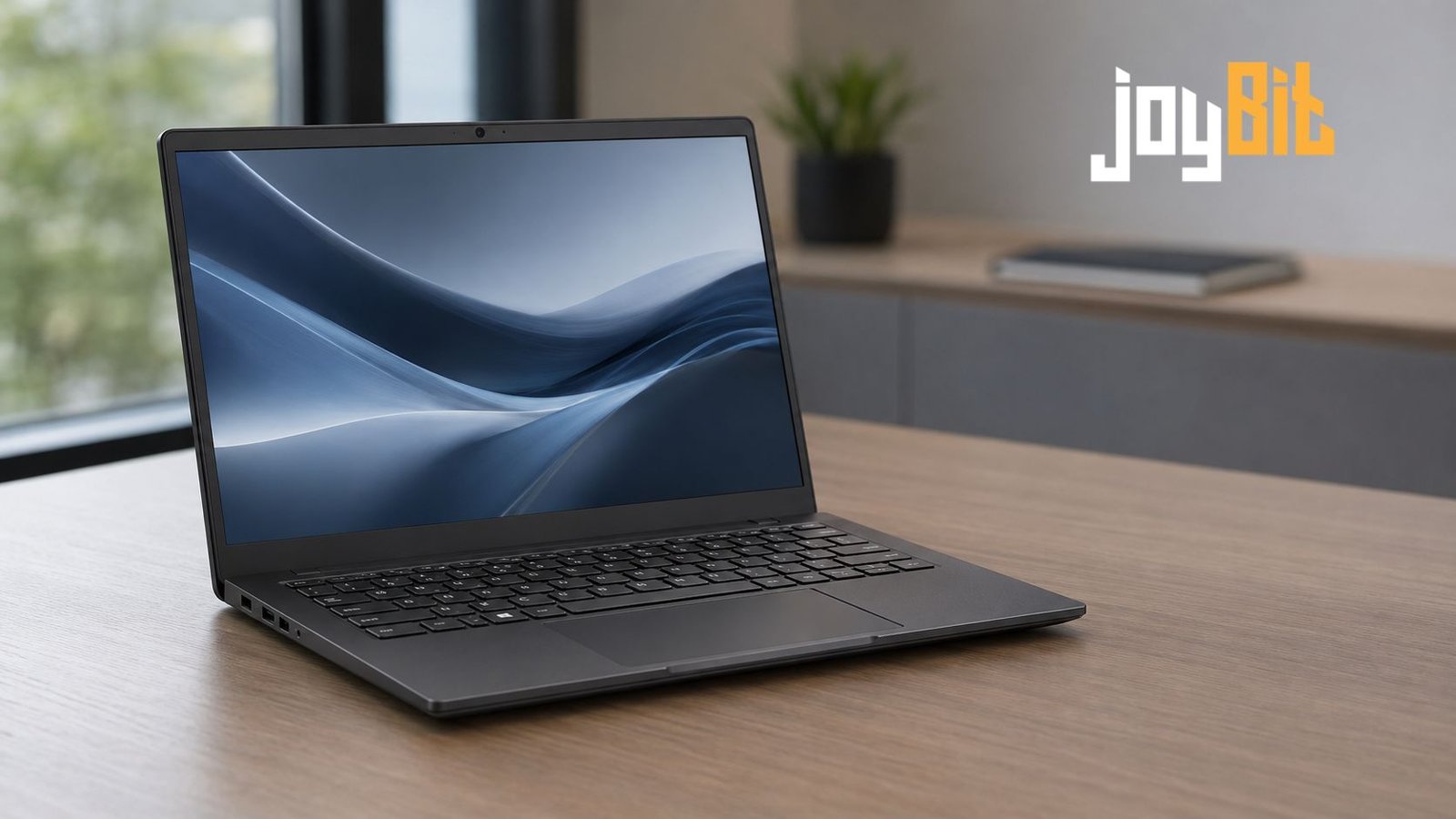
The Dell Latitude 7420 is a compact 14-inch business laptop designed for professionals who value portability, dependable construction, useful security options, and strong everyday performance. Although it belongs to an older generation of business notebooks, it remains widely available through refurbished and second-hand sellers.
Its appeal is easy to understand. The machine combines 11th-generation Intel Core processors, fast NVMe storage, Thunderbolt 4 connectivity, and a choice of conventional laptop or convertible designs. However, configurations vary considerably. Two units with the same model name can have different screens, batteries, cameras, materials, and security features.
That variation makes the specification sheet—and the condition of the individual device—more important than the name printed on the lid.
Why This Business Laptop Still Attracts Buyers
Latitude is Dell’s business-focused laptop family. Models in the 7000 series generally sit above entry-level office notebooks, with greater attention paid to portability, remote management, security, docking support, and build quality.
The 7420 was offered as both a standard clamshell laptop and a 2-in-1 with a 360-degree hinge. Buyers could also choose between carbon-fiber and aluminum versions. The carbon-fiber laptop weighs approximately 1.22 kg, while the aluminum version is around 1.31 kg. Convertible models are slightly heavier.
Those figures make it comfortable to carry between meetings, classrooms, or shared workspaces. Its 14-inch screen also provides more working room than a typical 13-inch ultraportable without making the computer unnecessarily bulky.
Today, the main attraction is value. A well-maintained refurbished unit can provide a more polished experience than a similarly priced new budget laptop. The trade-off is that battery condition, warranty coverage, and previous corporate use must be considered carefully.
Dell Latitude 7420 Specifications at a Glance
Exact components depend on the original configuration, but the main factory options included the following:
| Component | Available specifications |
|---|---|
| Processor | Intel Core i5-1135G7, i5-1145G7 vPro, i7-1165G7 or i7-1185G7 vPro |
| CPU design | Four cores and eight threads |
| Graphics | Integrated Intel Iris Xe Graphics |
| Memory | 8GB, 16GB or 32GB LPDDR4x |
| Storage | M.2 PCIe NVMe SSD, with factory options up to 1TB |
| Screen | 14-inch FHD or UHD display, depending on configuration |
| Convertible screen | 14-inch FHD touchscreen with optional pen support |
| Wireless | Intel Wi-Fi 6 AX201 and Bluetooth |
| Mobile broadband | Optional LTE on selected configurations |
| Battery | 42Wh three-cell or 63Wh four-cell |
| Charging | USB-C, normally with a 65W or 90W adapter |
| Starting weight | Approximately 1.22 kg for the carbon-fiber laptop |
| Operating system support | Windows 11 is included in Dell’s supported operating-system list |
One limitation deserves immediate attention: the memory is soldered to the system board. It cannot be upgraded later. The SSD is replaceable, but anyone choosing between an 8GB and 16GB model should treat that memory decision as permanent.
Everyday Performance and Its Limits
All four processor options are based on Intel’s 11th-generation mobile platform. Even the Core i5 versions have four cores and eight threads, which is sufficient for common office work, web applications, video meetings, research, accounting software, and light programming.
A 16GB configuration can handle a busy working day with many browser tabs, Microsoft Office applications, messaging software, and a video call running together. The 8GB version remains usable for lighter tasks, but modern browsers and background applications can consume that capacity quickly. The 32GB model is the most flexible, though it is less common on the refurbished market.
The difference between the Core i5 and Core i7 versions is smaller than some listing titles suggest. Core i7 models offer higher clock speeds and stronger integrated graphics configurations, but they do not gain additional CPU cores. For ordinary document work, a Core i5 model with 16GB of memory may be a wiser purchase than a Core i7 with only 8GB.
Intel Iris Xe graphics can manage high-resolution video playback, multiple external displays, basic photo editing, and older or less demanding games. It is not a substitute for a dedicated graphics processor. Modern games, complex three-dimensional rendering, professional visual effects, and sustained high-resolution video production are outside the laptop’s ideal workload.
Newer business laptops with higher core counts are noticeably faster in heavy multitasking and long rendering jobs. For responsive everyday computing, however, the 7420 has not suddenly become incapable.
Screen Quality Depends on the Configuration
The display is one area where buyers need to examine a listing closely. Dell offered several 14-inch panels, and their quality differs more than the shared resolution might imply.
The basic Full HD screen has a resolution of 1920 × 1080 and brightness of approximately 250 nits. It is adequate indoors but less comfortable near bright windows or outside. Its limited color coverage also makes it unsuitable for color-critical photography and design work.
Better Full HD configurations reach 400 nits and offer wider color coverage. These are much more desirable because they combine good visibility with relatively modest power consumption. Touchscreen and privacy-screen versions were also offered, generally at around 300 nits.
A 3840 × 2160 UHD panel was available on the conventional laptop. It produces sharper text and provides stronger color coverage, but the additional pixels can reduce battery life. At 14 inches, Full HD is already reasonably sharp, so the UHD option makes the most sense for users who genuinely need the extra resolution.
The 2-in-1 version uses a Full HD touchscreen with an anti-reflective, anti-smudge surface. It supports an optional Wacom pen, making the convertible useful for handwritten notes, document annotation, and presentations. Buyers should confirm that the pen is included because used sellers may list it separately or omit it entirely.
Keyboard, Webcam and Connectivity
The keyboard is designed for office productivity, with a practical layout and optional backlighting. As with most compact 14-inch laptops, there is no dedicated number pad. The touchpad provides enough space for regular navigation without overwhelming the palm rest.
Camera specifications vary. Some units have a basic 720p webcam, while better configurations include a Full HD camera or an infrared camera for Windows Hello facial recognition. A physical camera shutter was available, but buyers should not assume that every unit includes the same camera hardware.
Port selection is modern but slightly unusual. The laptop provides two Thunderbolt 4 USB-C ports supporting charging, USB4, and DisplayPort output. It also has HDMI 2.0, a microSD card reader, a universal audio jack, and one USB-A 3.2 Gen 1 port with PowerShare.
Having only one built-in USB-A port may inconvenience users with several older accessories. On the positive side, Thunderbolt 4 makes the computer well suited to a USB-C or Thunderbolt dock. One cable can connect charging, external displays, networking, storage, and desktop peripherals.
There is no built-in Ethernet connector. A USB adapter or dock is required for wired networking. Wireless connectivity is handled by Intel’s Wi-Fi 6 AX201 module, while some business configurations were equipped with optional mobile broadband. A SIM slot alone does not prove that the internal LTE modem and antennas are installed.
Battery Life Is Now Mainly a Condition Question
Dell offered 42Wh and 63Wh batteries. The larger unit is clearly preferable for extended mobile use, particularly when paired with an efficient Full HD display.
Published battery claims from the product’s original sales period are not especially useful when evaluating a used machine. Battery capacity declines with age, heat, charging habits, and the number of completed cycles. A laptop that originally performed well may now have much shorter runtime.
Ask the seller for a battery-health report or check it immediately after receiving the computer. A heavily worn battery is replaceable, but its cost should be included when comparing prices. The UHD screen, high brightness, video calls, and demanding workloads will also consume power more quickly.
USB-C charging is convenient because compatible Power Delivery chargers are widely available. For reliable performance, use a reputable adapter that supplies the required wattage rather than a low-power phone charger.
What to Check Before Buying a Refurbished Unit
Start with the memory. Since it is not upgradeable, 16GB is the safest choice for general long-term use. An 8GB model should only be considered for straightforward browsing, study, or office tasks at a suitably low price.
Next, identify the display rather than accepting “14-inch Full HD” as a complete description. Ask for the panel brightness, touch capability, resolution, and whether it includes the privacy feature. The 400-nit Full HD panel is arguably the most balanced option.
Other points worth checking include:
- Battery health and cycle count
- SSD capacity and health
- USB-C charging and Thunderbolt operation
- Condition of the hinge, keyboard and touchpad
- Webcam, speakers and microphone performance
- BIOS password status
- Windows activation
- Whether the device remains connected to a previous organization’s management system
- Presence of the correct USB-C charger
- Service tag and remaining warranty, if any
Inspect both USB-C ports because they handle charging as well as data and display output. Damage to these connectors can create a much larger problem than a faulty ordinary USB port.
It is also sensible to install Windows 11 and apply the available Dell firmware and driver updates. Standard Windows 10 support has ended, so a Windows 10 installation should not be treated as the best long-term setup for an internet-connected computer.
Who Is It Best For?
This model is well suited to office employees, university students, writers, researchers, consultants, and remote workers who need a light computer for everyday productivity. It can also work well as an affordable travel laptop or a docked home-office machine.
The convertible version is more appealing to users who regularly take handwritten notes or present material in tablet and tent modes. Everyone else may prefer the lighter, simpler clamshell design.
It is less suitable for competitive gaming, advanced three-dimensional design, heavy video production, or anyone who expects desktop-level multicore performance. Buyers who want to upgrade the memory later should also look elsewhere.
Conclusion
The Dell Latitude 7420 remains a capable business notebook when purchased in the right configuration and condition. Its lightweight design, Thunderbolt 4 ports, solid everyday performance, and Windows 11 support help it remain useful beyond its original corporate life.
The strongest general-purpose configuration is usually a Full HD model with 16GB of memory, a healthy 63Wh battery, and a reasonably sized NVMe SSD. A Core i7 badge is welcome, but it matters less than memory capacity, screen quality, and physical condition. For refurbished buyers, those practical details determine whether the machine is a bargain or an expensive repair project.
Frequently Asked Questions
Is the Dell Latitude 7420 still worth buying?
Yes, if it is reasonably priced, has at least 16GB of memory, and is in good condition. It remains suitable for office work, studying, browsing, meetings, and light professional applications.
Can its RAM be upgraded?
No. The LPDDR4x memory is integrated into the system board. Buyers must choose the required capacity before purchasing.
Can the SSD be replaced?
Yes. The laptop uses an M.2 PCIe NVMe solid-state drive. Compatible size and mounting requirements should be confirmed before ordering a replacement.
Does every model have a touchscreen?
No. Standard laptop configurations were available with non-touch and touch displays. The 2-in-1 version includes a touchscreen and can support an optional active pen.
Is it suitable for gaming?
It can run older, casual, and less demanding games at appropriate settings. Its integrated Iris Xe graphics are not designed for modern high-end gaming or graphics-intensive professional workloads.
Also read :Play Blooket: A Practical Guide for Students, Teachers, and Parents