
Searches for play Blooket usually come from someone who has received a game code and wants to join quickly. The basic process is simple: open Blooket’s official play page, enter the code supplied by the host, choose a name, and wait for the game to begin.
There is more to the platform than its join screen, however. Blooket combines educational question sets with game mechanics such as racing, collecting, strategy, upgrades, and competition. Teachers can host live classroom sessions, assign independent work, or let students practise through solo modes. Students often experience it as a game, but the questions remain the academic foundation underneath the action.
Understanding that distinction makes Blooket easier to use—and helps teachers choose settings that support learning instead of allowing the game mechanics to take over.
What Blooket actually is
Blooket is a browser-based learning platform built around question sets. A set may cover multiplication, vocabulary, science, history, language learning, test review, or almost any other subject that can be presented through short questions and answers.
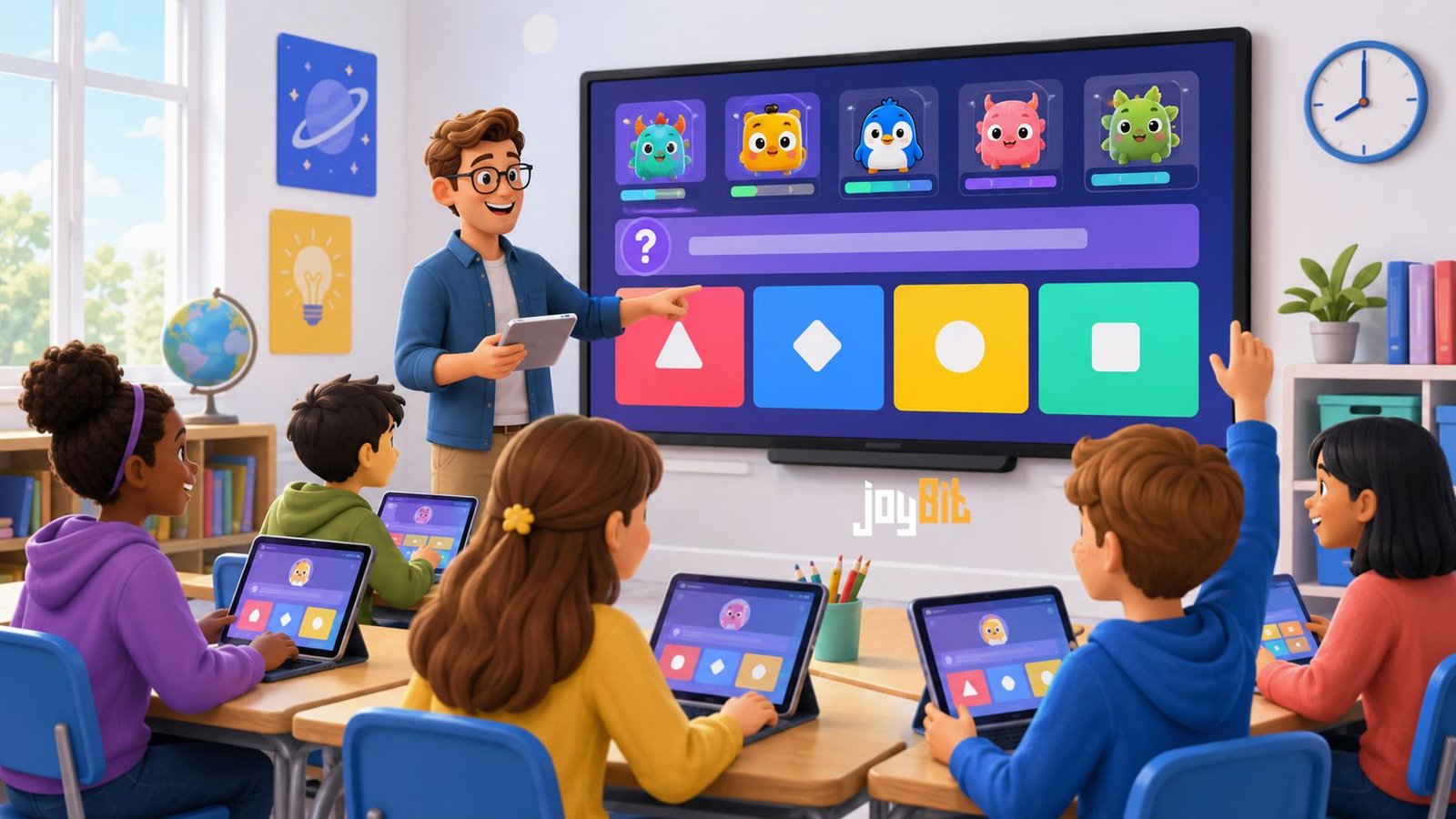
The same question set can often be used with different game modes. A teacher might use a fast racing format for a five-minute review, then reuse the material in a more strategic mode during a longer lesson. Students answer questions on their own devices while the chosen mode determines how correct answers affect the game.
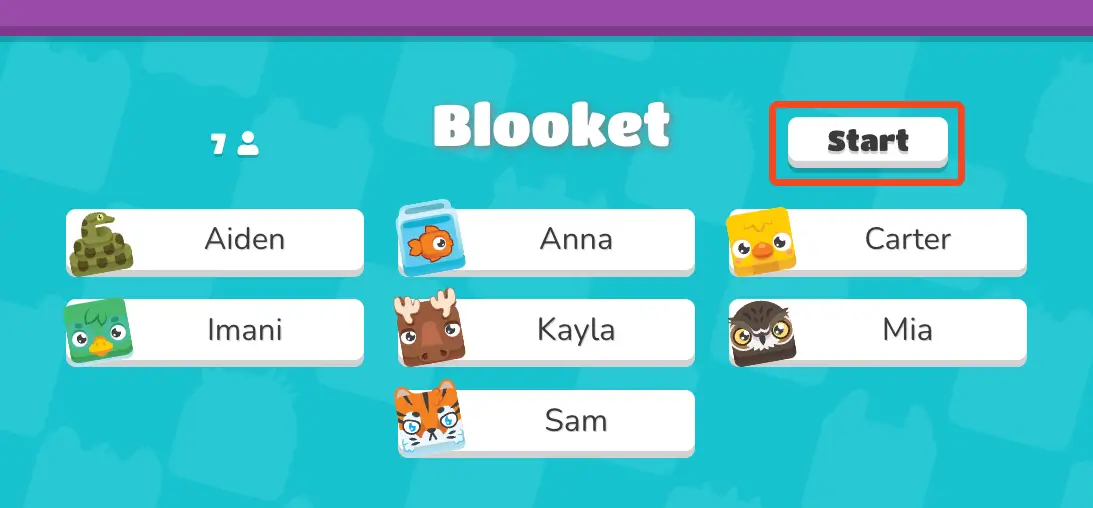
The cartoon characters used as player avatars are called “Blooks.” Students may select an available Blook while entering a session. Account holders can also collect additional Blooks and track certain progress or activity, although collecting characters is separate from mastering the academic content.
Blooket offers essential functionality for free, including the ability to create question sets and host live games. A paid Plus plan adds capabilities such as enhanced reports, selected additional modes, longer homework deadlines, and higher player limits in many formats. Exact limits can vary by mode, so hosts should read the description shown before launching a large session.
How to Play Blooket With a Game Code
For a live session, the host must start the game before participants can enter. Students cannot generate a working classroom code by themselves or use an expired code from an old online post.
To join a live game:
- Open the official play page at
play.blooket.com. - Enter the Game ID provided by the teacher or host.
- Submit the code and follow the name prompt.
- Enter an appropriate nickname, or accept a randomly generated name if the host enabled that setting.
- Select a Blook when the option appears.
- Wait in the lobby until the host starts the session.
A host may also provide a direct join link or display a QR code. These methods lead to the same session but reduce the chance of typing the Game ID incorrectly.
Students normally do not need accounts to join live games. If account use is allowed by the host, signing in may let a student use collected Blooks and retain account-related rewards or statistics. It is still optional for ordinary live participation.
The join screen is not a directory of public games. A valid code has to come from an active host, usually a teacher, tutor, parent, or event organizer. Websites claiming to provide permanent public codes are often displaying expired sessions or directing visitors away from the official platform.
| Type of session | What the student needs | Who controls the activity |
|---|---|---|
| Live game | Active code, QR code, or join link | Host |
| Homework | Assignment link or QR code | Teacher sets the assignment |
| Solo game | Student account and a selected question set | Student |
Live, homework, and solo play feel different
Live games are designed for a group participating at roughly the same time. Depending on the mode, players may race, build defenses, collect resources, steal virtual items, or use strategy to move up a leaderboard. Examples include Racing, Gold Quest, Fishing Frenzy, Crypto Hack, Factory, Monster Brawl, and Tower Defense. Some modes are seasonal or limited to paid plans, and the available selection can change.
Not every format rewards knowledge in exactly the same way. Racing emphasizes quick and accurate responses, while strategy-focused modes ask players to make decisions after answering. Luck also matters in several modes. As a result, the winner is not necessarily the student with the highest academic accuracy.
Homework sessions remove the need for everyone to be online together. The teacher shares an assignment link and establishes its availability or deadline. Students complete it independently, and the current homework experience may allow them to choose among available solo formats.
Students with suitable accounts can also play Blooket solo. They choose a question set, select the Solo option, pick an available mode, and begin a new game. Solo availability is narrower than the full live-game catalogue, but it can be useful for self-paced revision.
Hosting a useful session
A host needs an account. After signing in, the teacher can create a new question set, open one already saved under My Sets, or search the Discover area for public material. Opening a set reveals options such as hosting it live, assigning it as homework, or using it for solo play where supported.
Public sets save preparation time, but they are created by many different users. A polished title or attractive cover does not guarantee that every answer is correct. Teachers should preview the questions, check spelling and factual accuracy, and confirm that the material matches the intended grade level.
Once a set has been selected, the host chooses a mode and adjusts its settings. Depending on the game, these may include a time limit, score target, question order, sound controls, late joining, randomly generated names, answer feedback, or penalties for incorrect responses.
The choice of mode should fit the lesson. A simple, fast format works well for a short warm-up. A complicated strategy game needs more time because students must learn its controls in addition to answering questions. For a serious assessment, a highly random mode may be less appropriate because the final ranking can be affected by luck.
Random names can reduce problems with unsuitable nicknames, while recognizable names make reports easier to interpret. Teachers therefore need to balance classroom management with the usefulness of the results.
What makes Blooket educational rather than merely entertaining?
The quality of the questions matters more than the visual theme. A game filled with vague, repetitive, or incorrect questions will not become effective instruction simply because students enjoy the competition.
Good sets use clear wording, plausible answer choices, and material that reflects what students have actually studied. They also avoid making every question a test of speed. Some learners know the answer but need more time to read, process, or use accessibility support.
After a session, teachers should look beyond the leaderboard. Question-level performance can reveal material that needs to be taught again. If many students miss the same item, the problem might be a genuine knowledge gap—or the wording of the question may be confusing. The game result alone cannot make that distinction.
Blooket is therefore most useful as one part of a lesson: a review activity, retrieval-practice exercise, discussion starter, or informal check for understanding. It is less convincing as the sole measure of a student’s ability.
When a game will not open
An invalid-code message usually means the code was entered incorrectly, the host ended the session, or the game is no longer accepting players. Ask the host for the current code instead of searching for another one online.
If the code is correct but joining still fails, refresh the page, reopen the direct link, or try an up-to-date browser. School filters and network firewalls can also interfere with parts of Blooket’s connection system. In that situation, a teacher or school administrator may need to check the network settings.
Late joining is another possible issue. Hosts can prevent new players from entering after a game begins. Only the host can change that setting or launch a replacement session.
A straightforward way to begin
To play Blooket successfully, start with the correct type of access: an active code for a live game, an assignment link for homework, or an account for independent solo practice. Students can usually join classroom sessions without registering, while hosts need accounts to select question sets and manage games.
Its strongest sessions combine enjoyable mechanics with carefully checked questions and sensible settings. The competition attracts attention, but thoughtful question design is what turns that attention into meaningful review.
Frequently Asked Questions
Do students need a Blooket account to join?
No. Students can join live games and complete homework without creating accounts. An account is useful for solo play, collecting Blooks, retaining rewards, and tracking account-related activity.
Why is my Blooket code not working?
The code may be mistyped, expired, linked to a game that has ended, or blocked because late joining is disabled. Request a fresh code or link directly from the host.
Is Blooket free?
Its core tools are free, including question-set creation and live hosting. Blooket Plus provides extra modes and management features, improved reporting, and higher limits in many games.
Can one person play alone?
Yes, account holders can choose a question set and use an available solo mode. The solo selection is smaller than the complete catalogue of live formats.
What age is required to create an account?
Blooket’s sign-up guidance says users must certify that they are at least 13 in the United States or at least 16 outside the United States. Younger students can still participate without accounts when a teacher hosts or assigns the activity.
Also read :Mashable Connections Today: A Smarter Way to Find Hints Without Spoiling the Puzzle